Dry-run first
Scan your source folder and see file count, total size, and sample paths before starting a transfer.
Google Drive ↔ OneDrive
DriveBridge copies folders between Google Drive and Microsoft OneDrive — preserving structure, skipping unchanged files, and never deleting anything at the destination.
Direct backup between
 DriveBridge
Moving Photos from Google to OneDrive for work? Archiving Documents before you switch providers? DriveBridge is backup — deliberate, logged, and reversible only by you.
Scan your source folder and see file count, total size, and sample paths before starting a transfer.
Subfolders and paths copy exactly — not flattened into a single directory.
Checksums and timestamps detect unchanged files so re-runs finish fast.
One-way backup only. Never delete destination files. Conflicts get a duplicate suffix.
Connect with Google and Microsoft sign-in. We never see your cloud passwords.
Files stream through during copy. Content is not kept on our servers or database.
Product tour
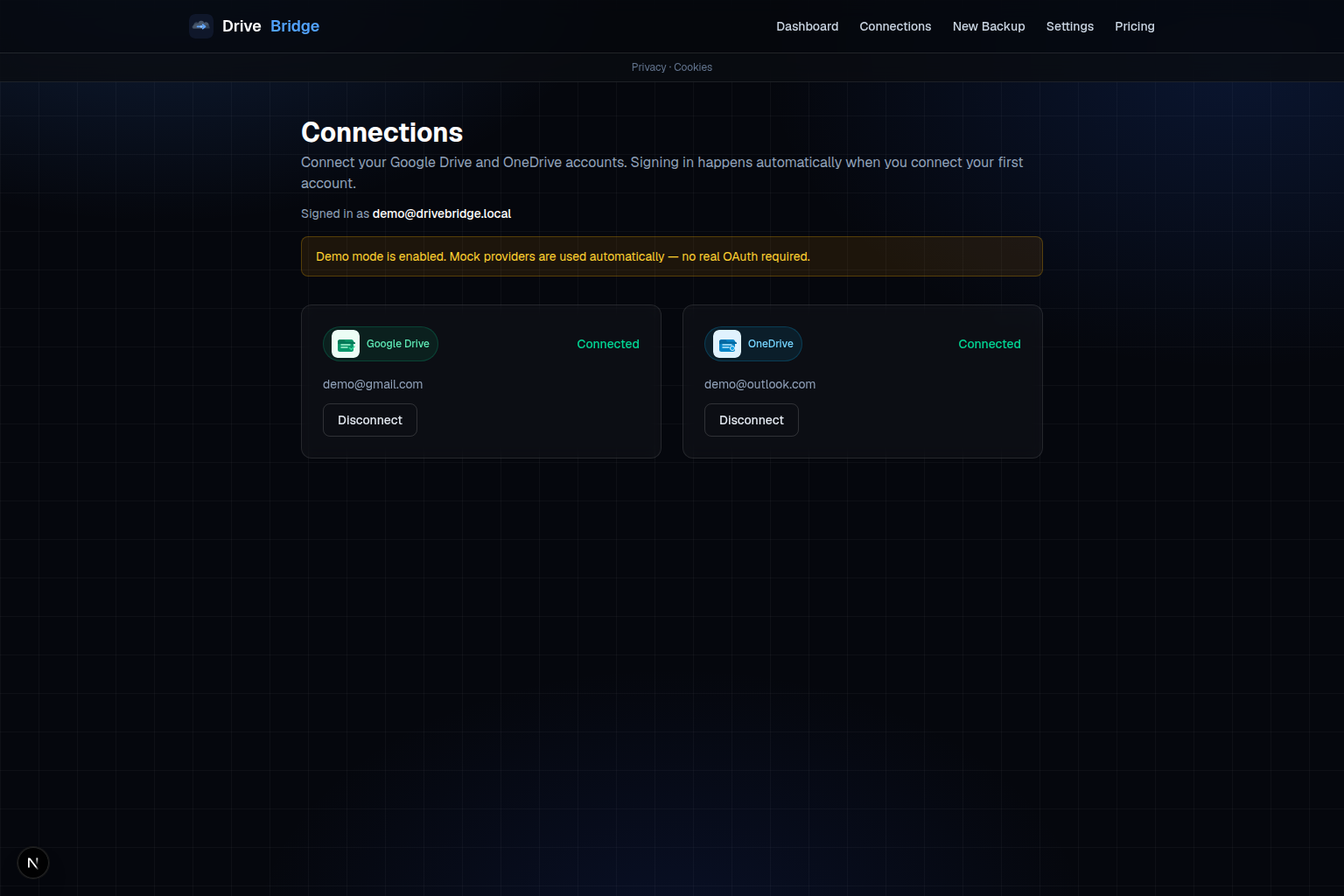
01
OAuth with Google and Microsoft. Both accounts linked on a single Connections page.
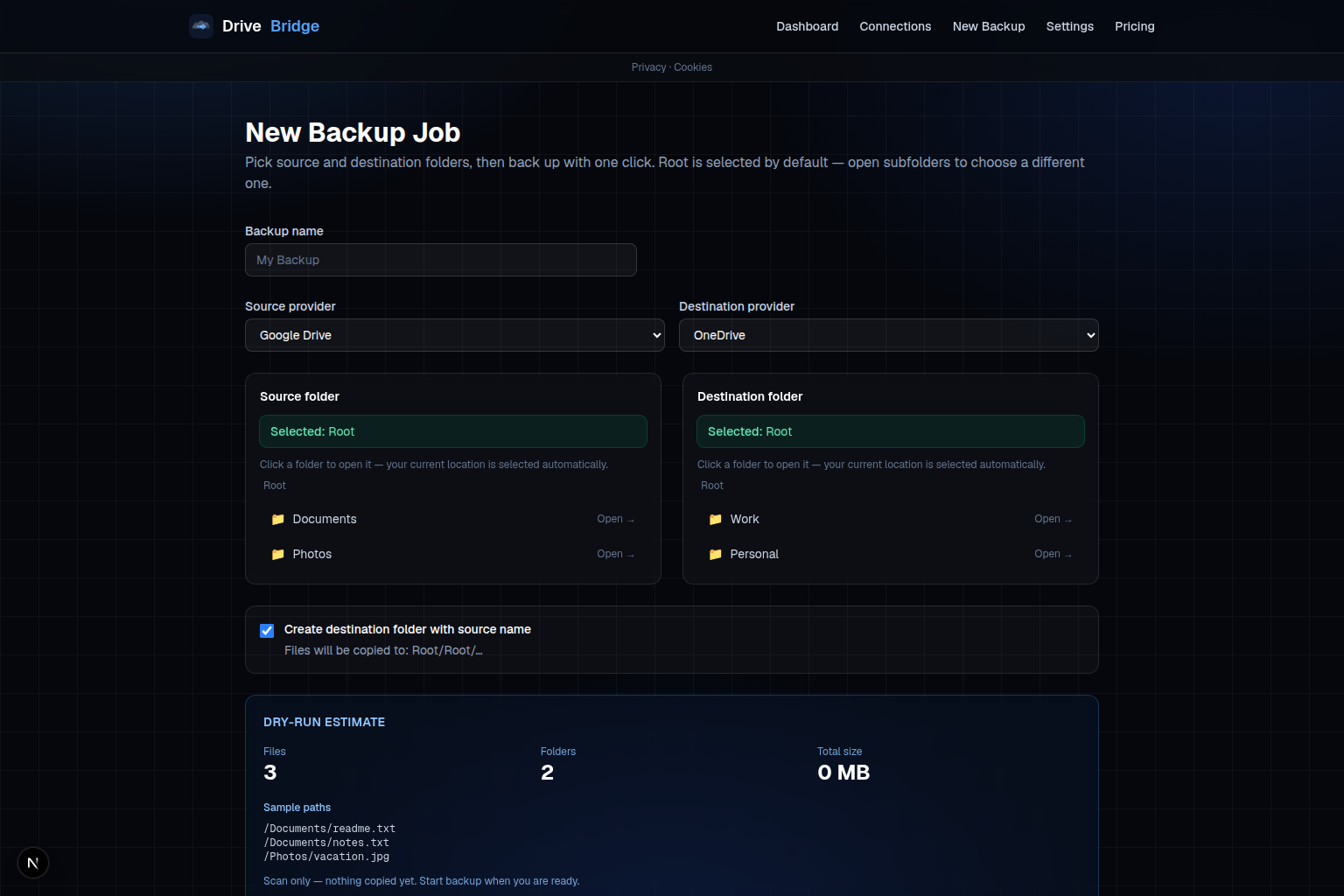
02
Scan the source folder — file count, total size, sample paths — before you transfer anything.
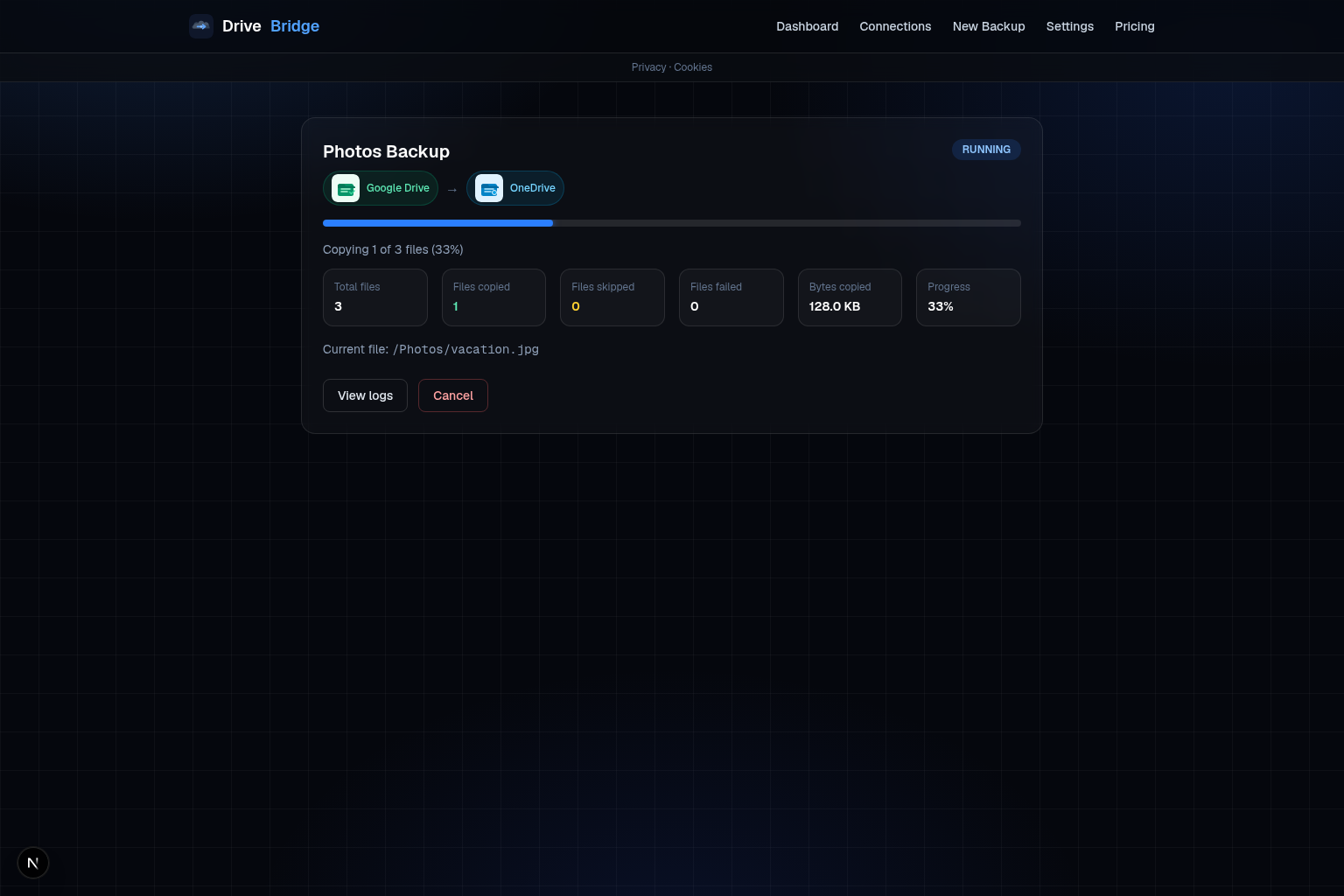
03
Watch files copy, skip, or fail with per-path logs. Re-run anytime; unchanged files are skipped.
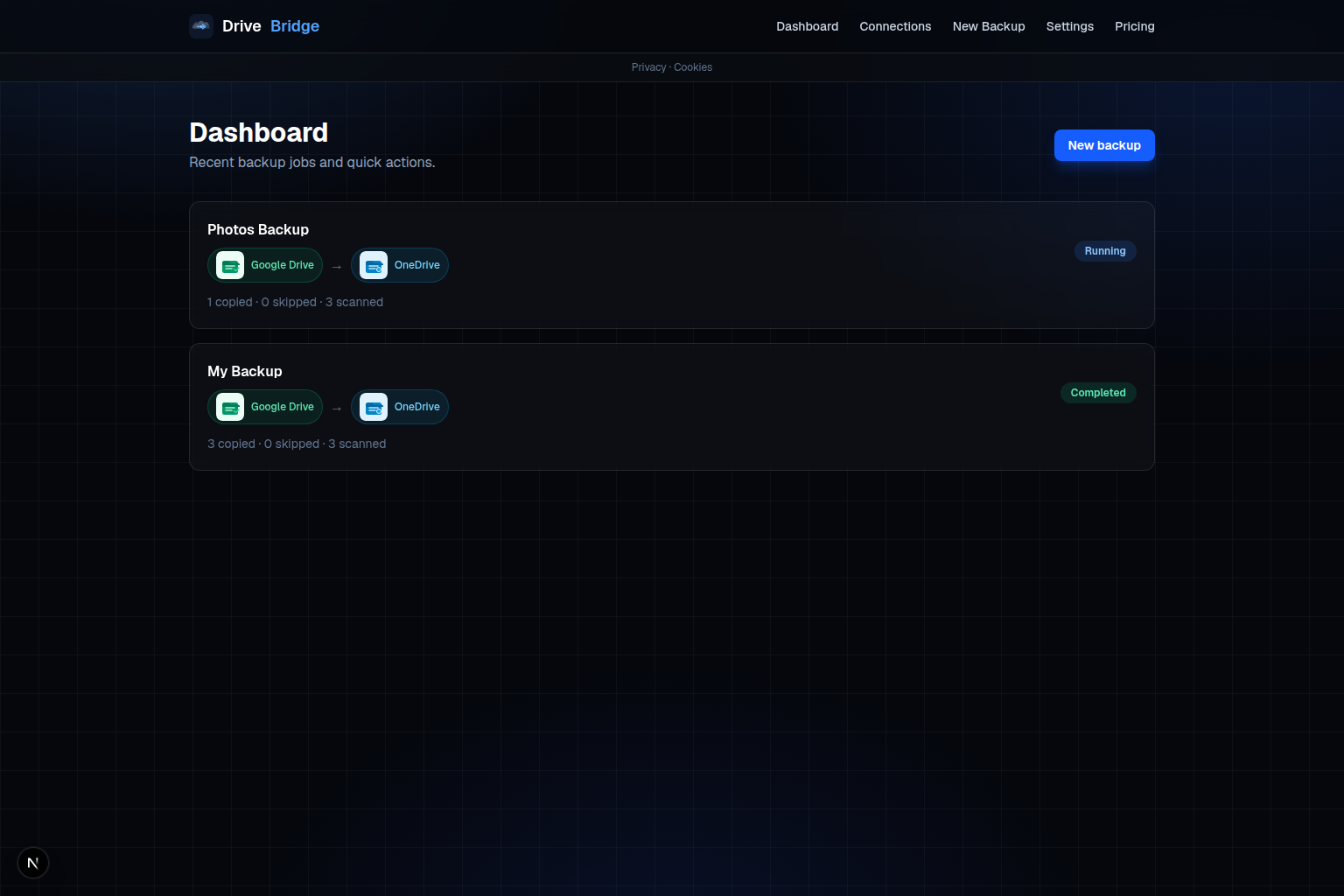
04
All backups on your dashboard — draft, running, completed. Pick up where you left off.
Manual export works once. DriveBridge is for folders you backup again — with skips, logs, and estimates built in.
| DriveBridge | Zip & upload | |
|---|---|---|
| Download zip, re-upload | — | Yes |
| Preserves folder structure | Yes | — |
| Skip unchanged files on re-run | Yes | — |
| Dry-run before transfer | Yes | — |
| Per-file audit log | Yes | — |
| Never deletes destination files | Yes | Yes |
Three steps. No desktop app. Works in the browser on drivebridge.berta.one.
Sign in with Google and Microsoft OAuth on the Connections page. Tokens are encrypted at rest.
Connect accounts →Choose source and destination, then run a dry-run estimate — file count, size, and sample paths.
New backup job →Hit Backup Now. Watch progress live. Re-run later — checksums skip files that haven't changed.
Open dashboard →2 GB free to try. One-time passes for migrations, subscriptions for ongoing quota, and an Automation add-on for scheduled runs and multiple folders — even when your PC is off.
Popular
100 GB · 30 days
£6.99
Our most popular one-time pass — enough for a typical home Documents or Photos folder.
Includes 100 GB transfer · 30 days
Buy £6.99Popular
300 GB / month
£12.99/mo
For power users with larger libraries or frequent backup jobs.
Includes 300 GB transfer per billing period
Buy £12.99Popular
Scheduled & multi-folder backups
£4.99/mo
Set a cadence (daily, weekly, or monthly), pick multiple source folders per run, and let DriveBridge back up while your PC is off. Requires a separate data pass or subscription for transfer quota.
Connect Google Drive and OneDrive, run a dry-run, and copy your first folder — 2 GB free.
Product updates and backup tips — from DriveBridge@berta.one.